How to Watch NBA Games Live on IPTV: Streaming Setup Guide
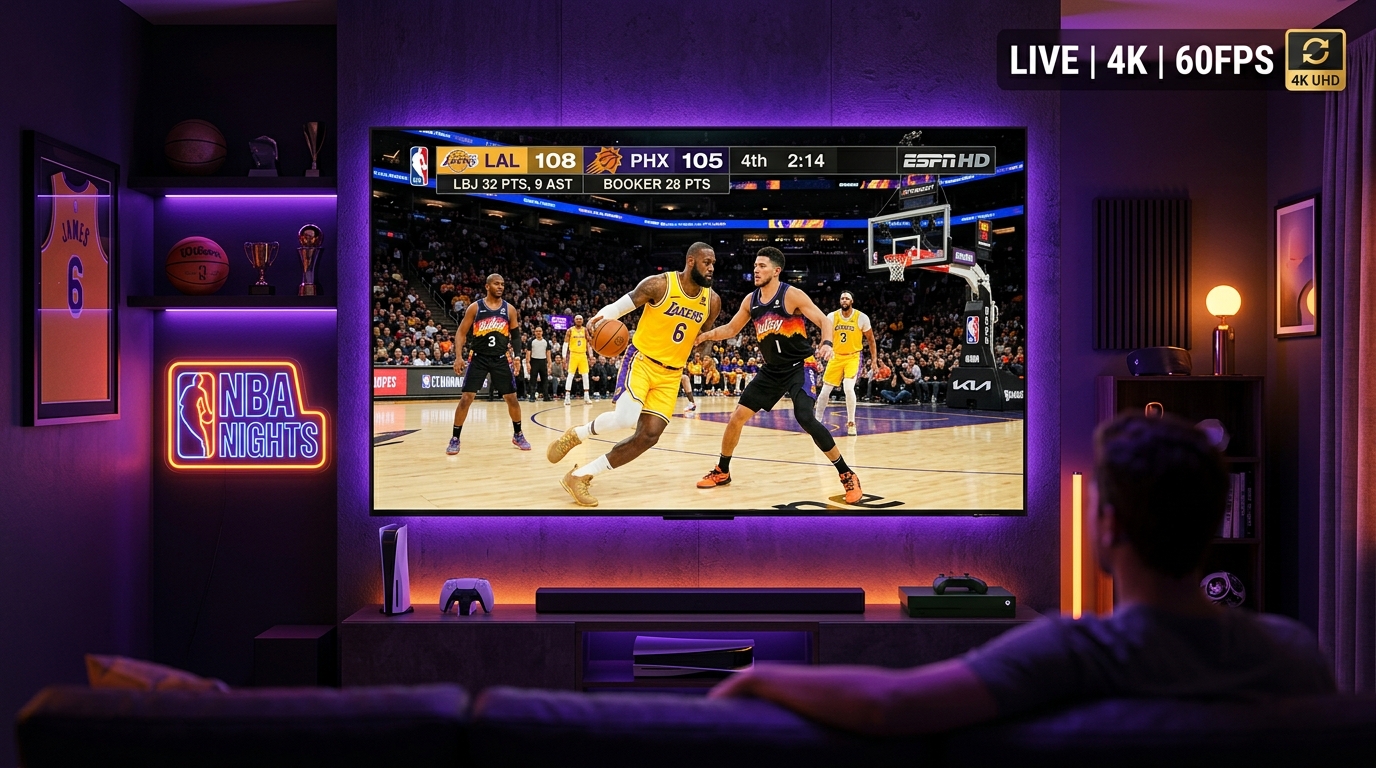
Streaming fast-paced live sports like NBA basketball requires high frame rates, low latency, and stable network throughput. A sudden drop in bandwidth or improper player configuration can cause motion blur or buffering during critical game moments.
This guide explains how to optimize your streaming device, player settings, and network to enjoy live NBA broadcasts cleanly.
1. Understanding Live Sports Streaming Requirements
Live basketball broadcasts differ from standard movies or TV shows. Fast camera pans and rapid ball movements require specific stream characteristics:
- 60 FPS (Frames Per Second): 60fps streams deliver smooth motion tracking compared to standard 30fps broadcasts.
- High Bitrate Stability: Consistent throughput is essential to maintain high-definition clarity without resolution drops.
- Low Buffer Overhead: Selecting an optimal buffer size prevents video lag while maintaining stream continuity.
2. Finding NBA Games via EPG Schedules
With extensive regional sports networks and national broadcasters carrying games, navigating to the correct channel is essential.
- Utilize EPG Search: Use your player app's search tool to look for team names or specific broadcast networks.
- Check Regional Channels: Many games are broadcast on regional sports networks (RSNs) in addition to national networks.
- Verify Timezones: Ensure your player's EPG timezone offset is correctly configured so program start times match your local clock.
Explore our organized SMARTSGI sports channel list to browse available regional and international sports networks.
3. Optimizing Your Network for Live Sports
Wi-Fi interference is a leading cause of stream buffering during live events. Follow these optimization steps:
Ethernet Cable Connection:
Where possible, connect your streaming device (Firestick via OTG adapter, Apple TV, or Smart TV) directly to your router using a Cat6 Ethernet cable for stable wired throughput.
5GHz Wi-Fi Band:
If using Wi-Fi, ensure your streaming device is connected to the 5GHz frequency band rather than the 2.4GHz band to minimize wireless congestion.
Router Quality of Service (QoS):
Enable QoS settings on your home router to prioritize video streaming traffic over background downloads.
4. Hardware and Player Recommendations for Sports
- Recommended Devices: Apple TV 4K, Fire TV Stick 4K Max, or Nvidia Shield TV offer superior hardware decoding for high-bitrate live video.
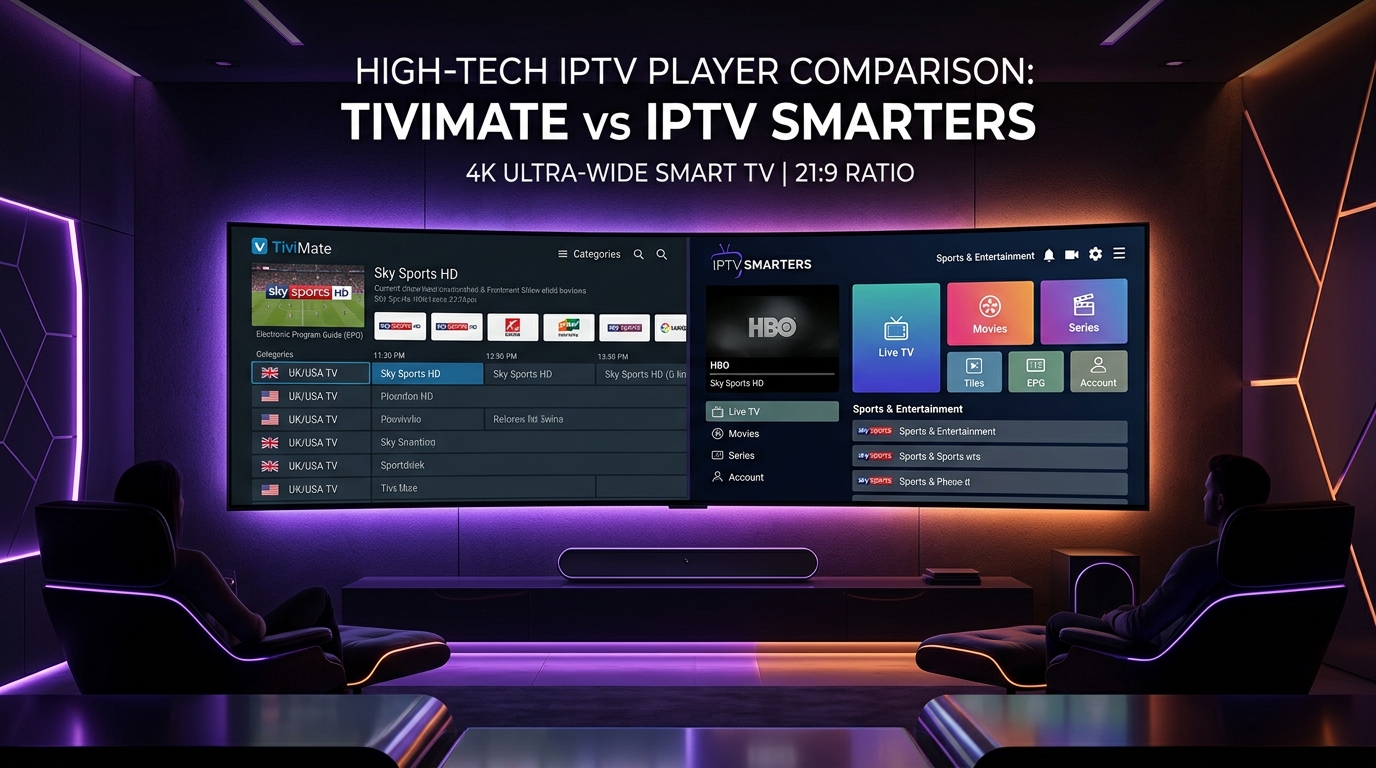
- Recommended Player Apps: TiviMate or XCIPTV permit video decoder adjustments (Hardware / HW acceleration) for fluid playback.
Pairing your hardware with a reliable SMARTSGI IPTV subscription ensures smooth access to your favorite basketball channels. For assistance with device pairing, visit our installation guides or contact SMARTSGI support.