Best IPTV Players: Top Apps for Smart TV, Firestick, and Android TV
The application you use to stream IPTV plays a major role in your daily viewing experience. While your IPTV provider supplies stream URLs and playlist credentials, the IPTV player application controls channel navigation, EPG layout, search speed, and playback customization.
Here is an objective overview of the top IPTV player applications available for Smart TVs, Amazon Firestick, Android TV, and iOS devices.
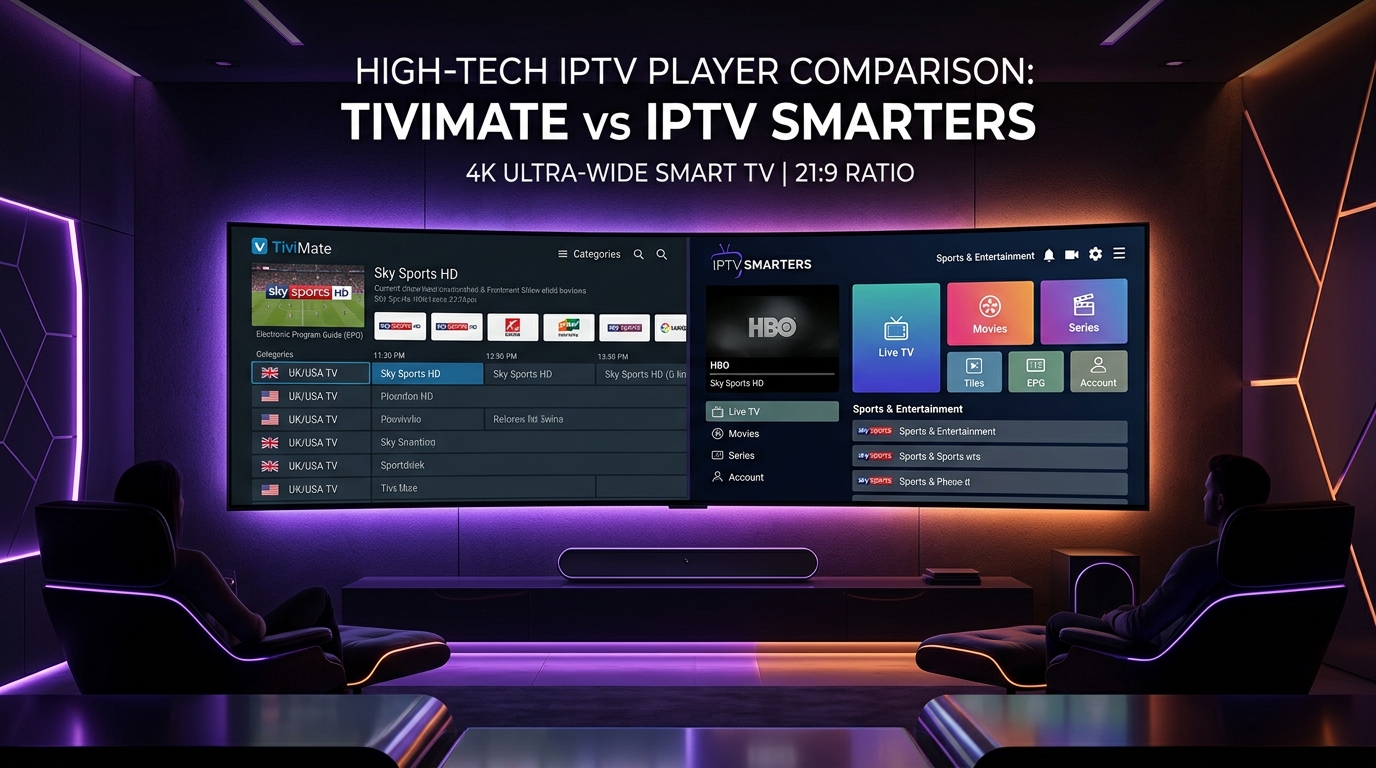
1. TiviMate IPTV Player (Android TV & Firestick)
TiviMate is widely regarded as one of the finest IPTV players for Android TV devices and Amazon Firestick. Designed specifically for TV screens and remote control navigation, TiviMate offers a cable-like interface.
Key Features:
- Customizable EPG Grid: Adjust guide layouts, channel height, and timeline presentation.
- Multi-View Mode: Watch multiple live streams simultaneously on supported hardware.
- Catch-Up & Recording: Access historical EPG catch-up and schedule recordings to local or network storage.
- Xtream Codes & M3U Support: Connect easily using API credentials or playlist links.
2. IPTV Smarters Pro (Multi-Platform)
IPTV Smarters Pro is one of the most versatile player apps, available across Android, iOS, Windows, macOS, and select Smart TV platforms.
Key Features:
- Cross-Platform Availability: Consistent user interface across mobile and TV screens.
- Organized Dashboard: Separate categories for Live TV, Movies, Series, and Catch-Up.
- Parental Controls: PIN-protect specific channel groups or adult content.
- Multi-User Management: Add multiple playlist subscriptions within a single application.
3. XCIPTV Player (Android & Firestick)
XCIPTV features a modern, media-center style interface with built-in EXOPlayer and VLC Player engines for smooth video rendering.
Key Features:
- Dual Built-in Player Engines: Switch between hardware decoding engines if a specific video stream encounters playback issues.
- Built-in Speed Test: Test connection speed directly inside the application menu.
- EPG Integration: Automatic program guide sync via Xtream Codes login.
4. IBO Player & Smart ONE (Samsung & LG Smart TVs)
For users streaming directly on Samsung Tizen OS or LG webOS Smart TVs without an external media stick, IBO Player and Smart ONE are top recommendations.
Key Features:
- Direct TV Installation: Download directly from Samsung App Store or LG Content Store.
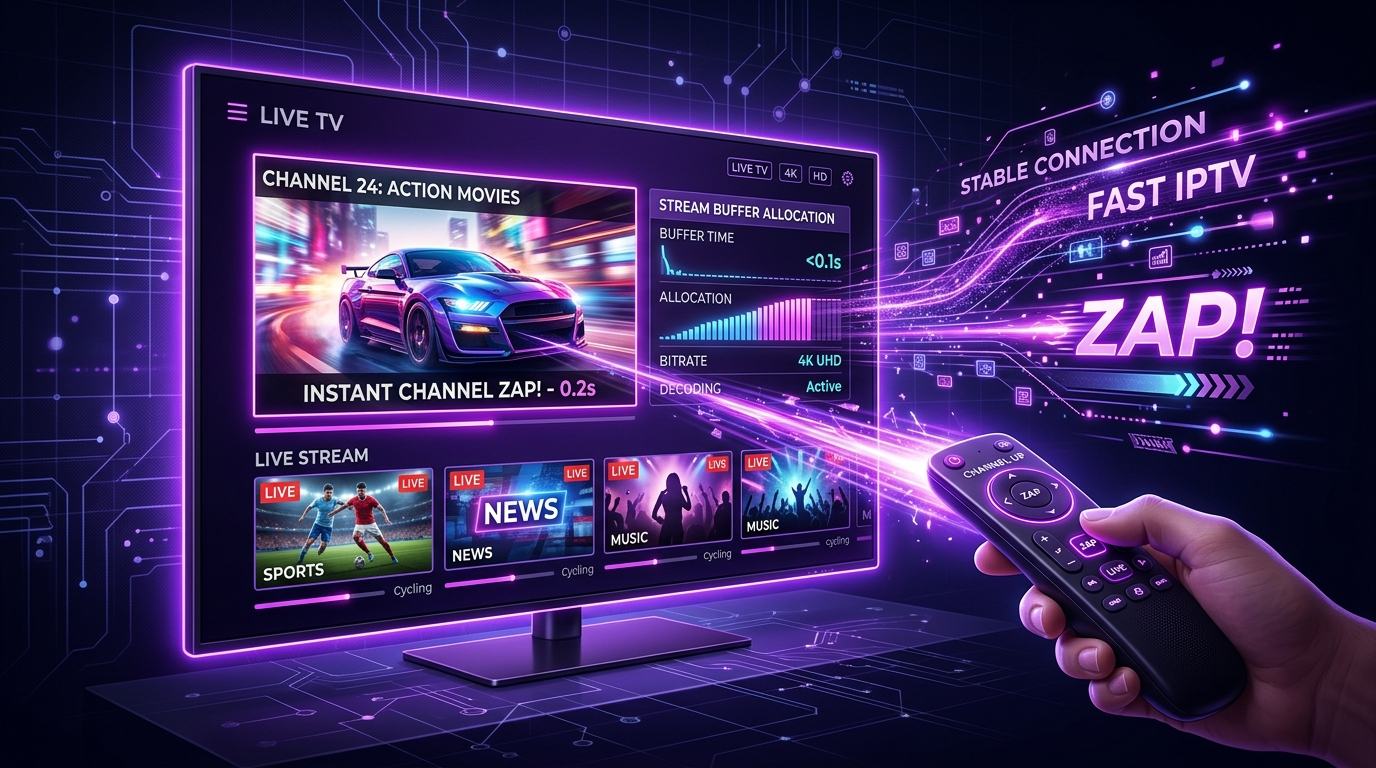
- Fast Channel Zapping: Light footprint optimized for Smart TV processors.
- Remote Portal Management: Upload M3U playlist URLs or Xtream credentials securely via online web portals.
5. How to Pair Your Player with SMARTSGI
Connecting your preferred IPTV player app to SMARTSGI IPTV plans is straightforward:
- Launch your installed player app.
- Select Xtream Codes API as your login method.
- Input the Server URL (
http://line.smartsgi.stream:8080), assigned Username, and Password provided in your subscription confirmation. - Allow the app a few moments to sync live channel lineups and EPG data.
For step-by-step device walkthroughs, consult our IPTV setup guides or reach out to SMARTSGI support.