IPTV Channel Switching Slow: Causes and Speed Fixes
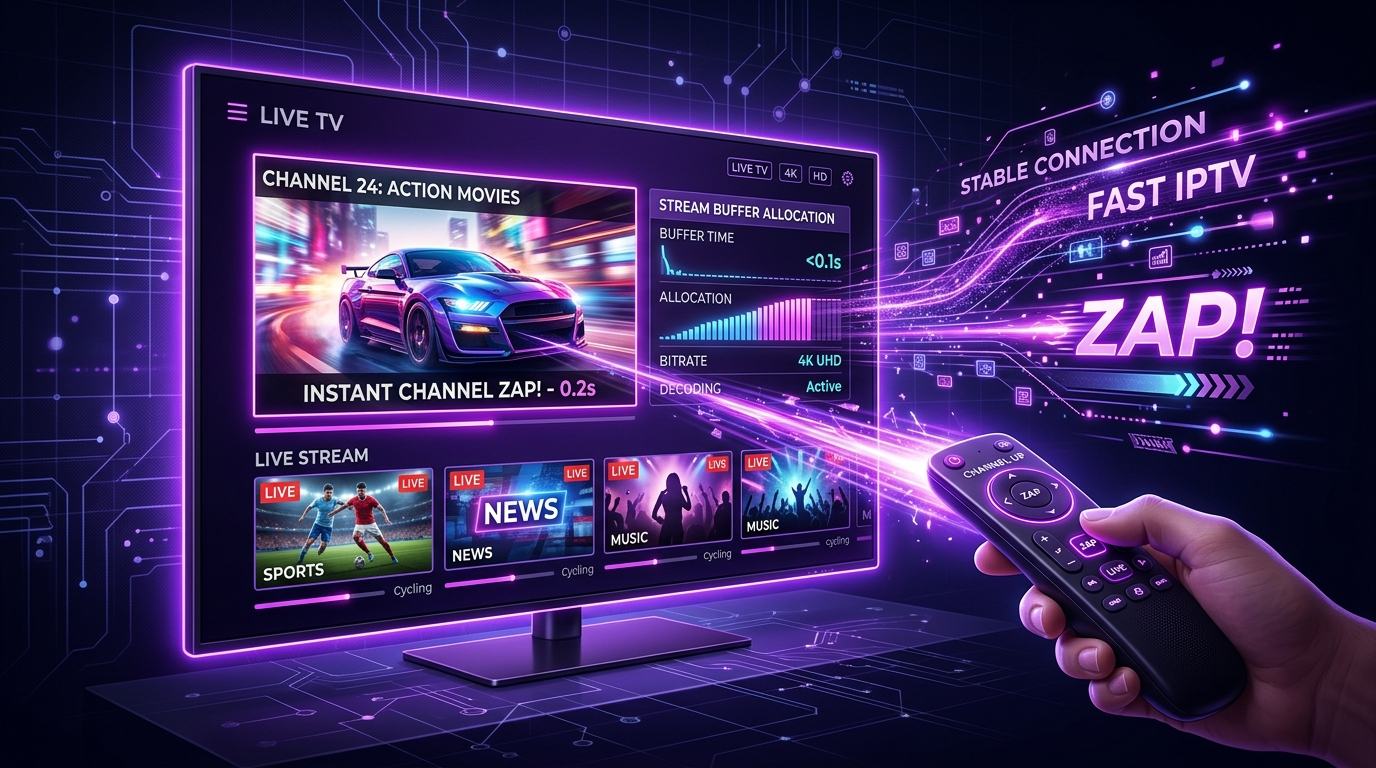
When switching live TV channels, waiting several seconds for a stream to load (known as channel zapping speed) can interrupt your viewing experience. While channel switching on IPTV naturally requires a brief moment to negotiate network handshakes and buffer video frames, excessive loading times usually indicate suboptimal settings or network bottlenecking.
Here is a technical analysis of why IPTV channel switching becomes slow and how to optimize your setup for faster zapping speed.
1. What Happens During IPTV Channel Switching?
Understanding the technical sequence during channel zapping helps identify where delays occur:
- Request Signalin: Your player app sends a request to the server for a new stream URL.
- Server Response & Handshake: The server authorizes the connection and opens the video transport stream.
- Buffer Allocation: The player downloads an initial batch of video keyframes to establish a stable buffer.
- Decoder Rendering: The device hardware decodes H.264/H.265 frames and renders video on your screen.
2. Optimizing Player Buffer Size Settings
Many IPTV players default to large buffer sizes (e.g., 5 to 10 seconds) to guard against weak Wi-Fi signals. However, larger buffers force the player to download more data before starting video playback.
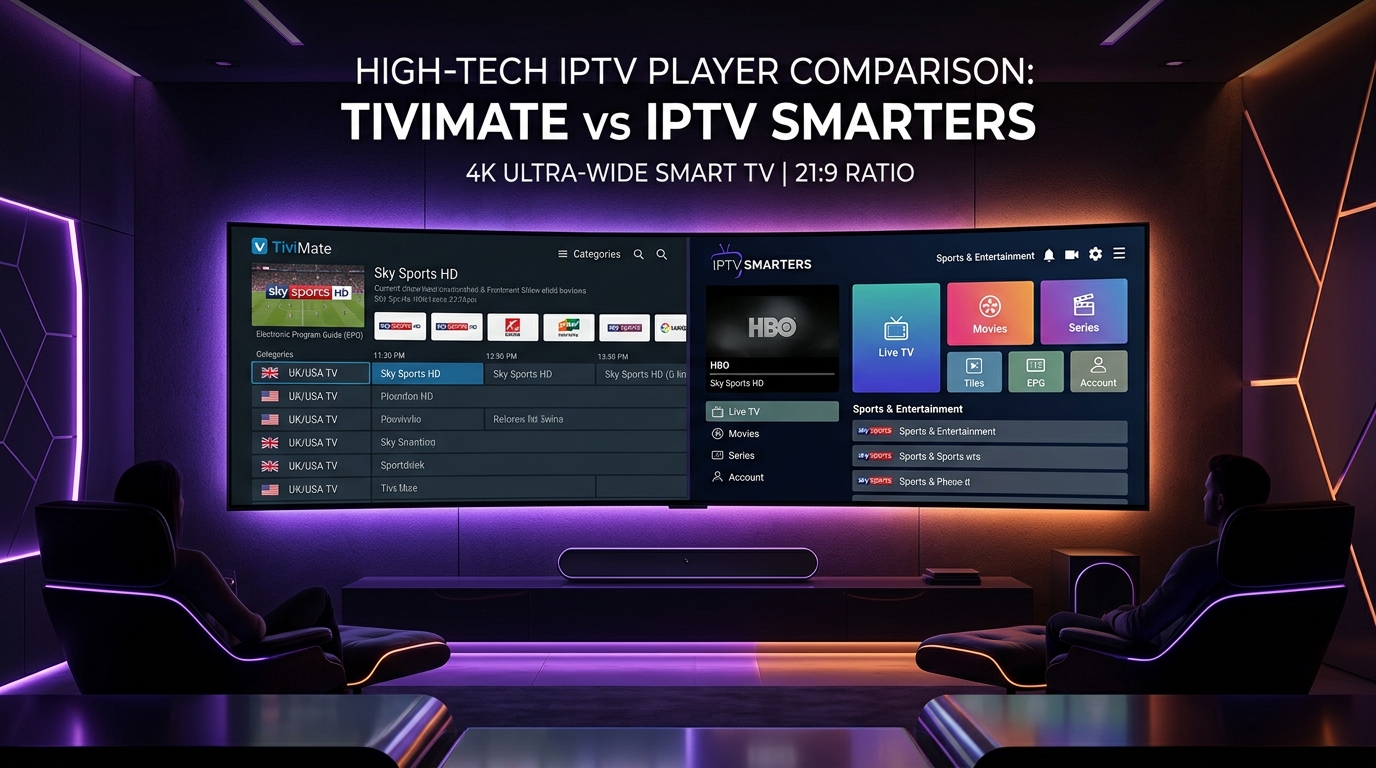
- Recommended Setting: Set buffer size to Small or Medium (0.5 to 1.5 seconds) inside your player settings (TiviMate, XCIPTV, or Smarters).
- Impact: Reduces initial buffer wait time during channel zapping while maintaining continuous playback on stable connections.
3. Video Decoder Hardware Acceleration (HW vs SW)
Video decoding performance directly influences how fast keyframes are processed.
- Hardware Decoder (HW / HW+): Utilizes your device's dedicated GPU/chipset to decode video instantly. Recommended for most modern devices.
- Software Decoder (SW): Relies on CPU software processing, which can cause frame drops and slower channel rendering.
- Fix: In your player's Video Decoder menu, ensure primary decoding is set to Hardware (HW).
4. Xtream Codes API vs. Standard M3U Links
Connection protocols also affect initial response times:
- Xtream Codes API: Establishes structured, persistent server connections, allowing fast category parsing and rapid stream handshakes.
- Plain M3U Links: Requires processing full playlist files, which can slow down navigation and stream initialization.
When setting up your service, use Xtream Codes API credentials (http://line.smartsgi.stream:8080) for optimal performance.
5. Device Hardware and Network Optimization
- Device Memory (RAM): Budget streaming sticks with low RAM can experience interface lag during rapid channel switching. Clearing background app cache improves responsiveness.
- Ethernet vs. Wi-Fi: Wired Ethernet connections eliminate wireless latency, reducing handshake times between your device and SMARTSGI servers.
If you continue to experience slow loading times across all channels, review our device tutorials or reach out to SMARTSGI technical support.