How to Watch IPTV on Firestick: Complete Setup & Optimization Guide
2026-03-07•SMARTSGI Team
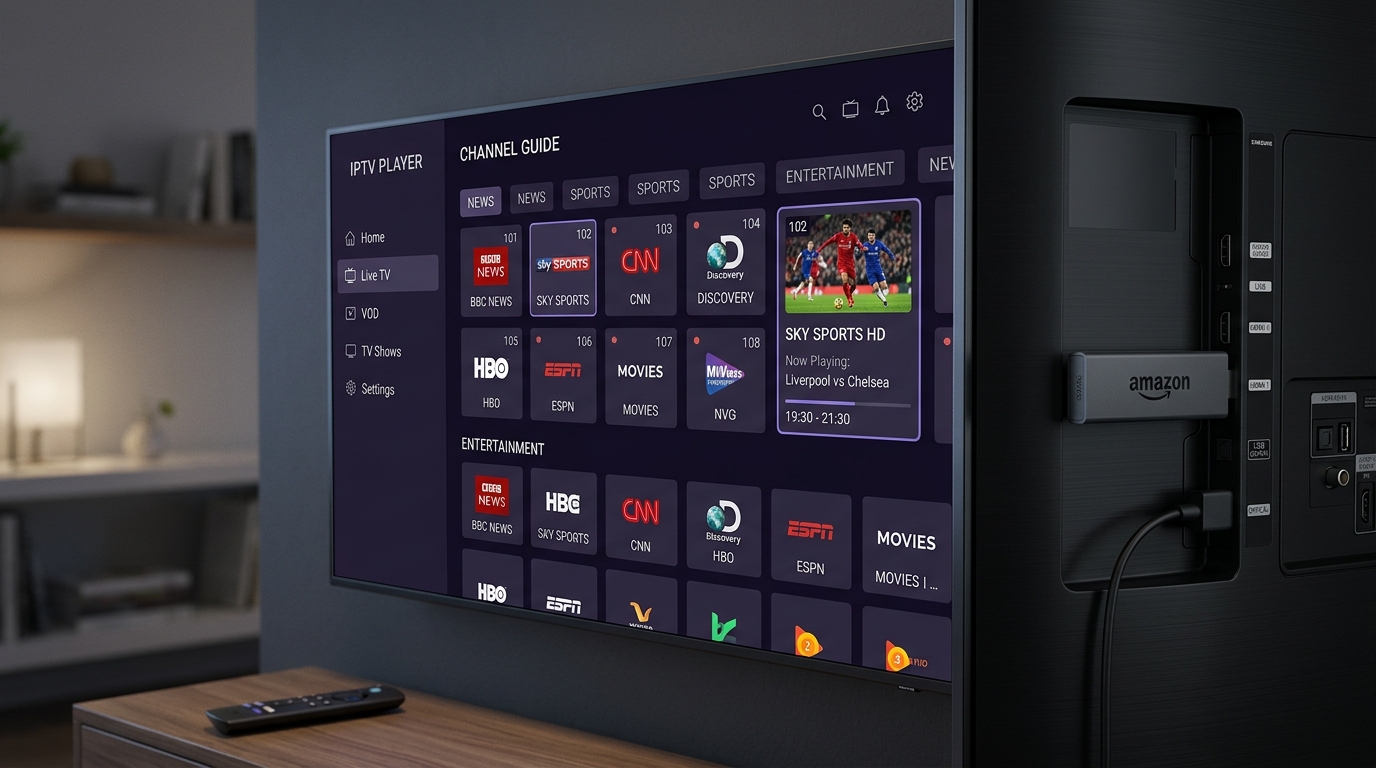
Amazon Fire TV Stick (including Firestick Lite, 4K, and 4K Max) is one of the most popular streaming devices worldwide. Its compact design, powerful hardware decoding, and budget-friendly price make it an excellent choice for watching live TV and VOD content.
Follow this step-by-step guide to install, configure, and optimize IPTV player applications on Firestick.
1. Preparing Your Firestick for App Installation
Before installing third-party IPTV player apps, adjust your Firestick developer options:
- Navigate to Settings (gear icon) on your Firestick home screen.
- Select My Fire TV > About.
- Highlight your Firestick model name and press the Select button on your remote 7 times until a message says "No need, you are already a developer."
- Press Back, select Developer Options, and turn Install Unknown Apps to ON for the Downloader app.
2. Installing Downloader and Your IPTV Player App
- Go back to the Firestick main menu, select Find > Search, and type Downloader.
- Download and launch the official Downloader app.
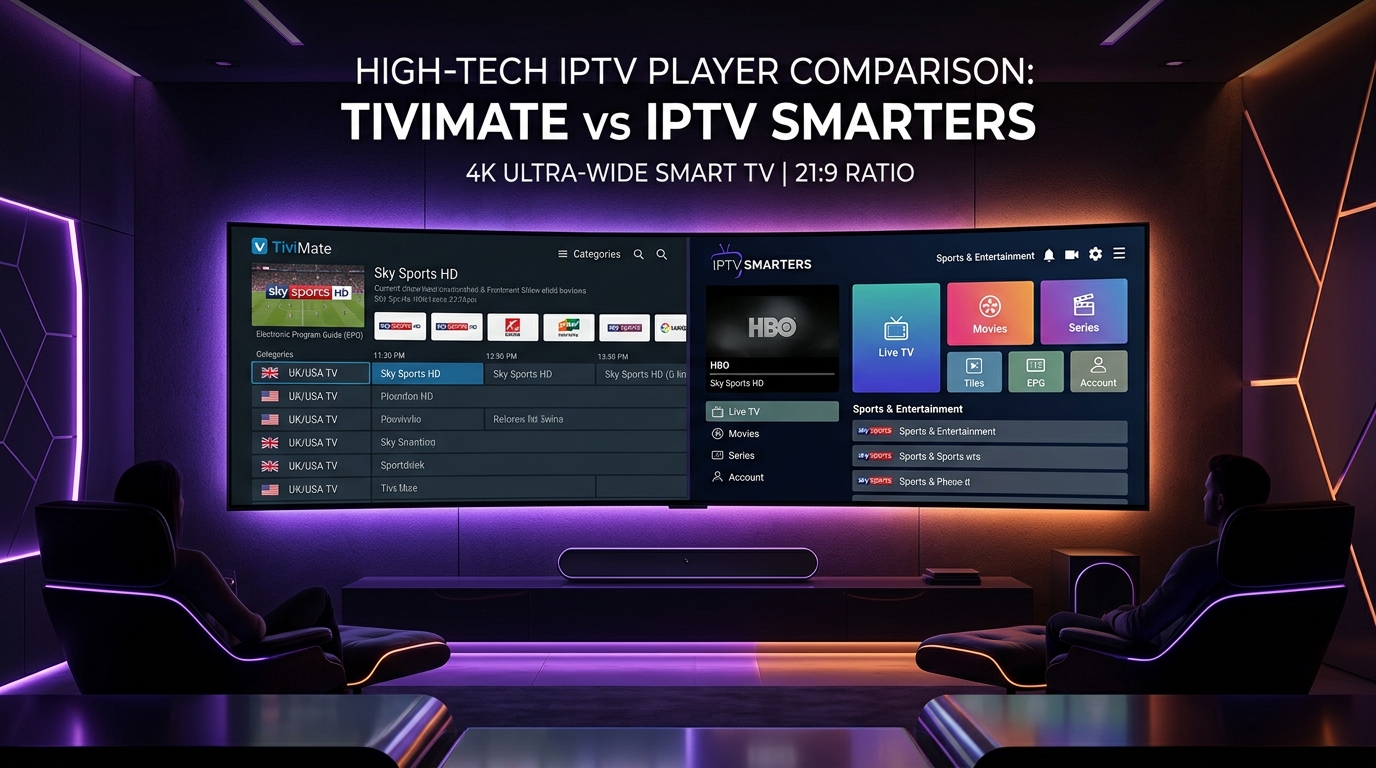
- Inside Downloader's URL bar, type the official download link or code for your chosen player app (e.g., TiviMate, IPTV Smarters Pro, or XCIPTV).
- Click Go, wait for the APK to download, and select Install.
3. Configuring SMARTSGI Credentials
Once your IPTV player app is installed:
- Launch the player application (e.g., IPTV Smarters Pro or TiviMate).
- Select Add User / Xtream Codes API.
- Input your details:
- Playlist Name: SMARTSGI
- Server URL:
http://line.smartsgi.stream:8080 - Username: Your assigned username
- Password: Your assigned password
- Click Add User to load live channels, movies, and EPG TV guides.
4. Performance Tuning for Firestick
- Clear App Cache: Go to Settings > Applications > Manage Installed Applications > select your player > Clear Cache periodically to maintain quick navigation.
- Close Background Apps: Use a utility app like Background Apps & Process List to terminate idle background tasks and free up RAM.
Pairing your Firestick with a high-performance SMARTSGI subscription plan provides access to our full channel lineup. For extra assistance, contact SMARTSGI support.